 EN
EN Русский
 Türkçe
How to connect Kommo
7 min · Business plan · Updated October 24, 2026
Leads from AirChat create deals in Kommo with the contact and a short summary of the conversation. Messenger conversations are mirrored to the deal card, and your team replies right from there.
What you need
- Admin rights in Kommo
- The Business plan or higher
1Connect your account
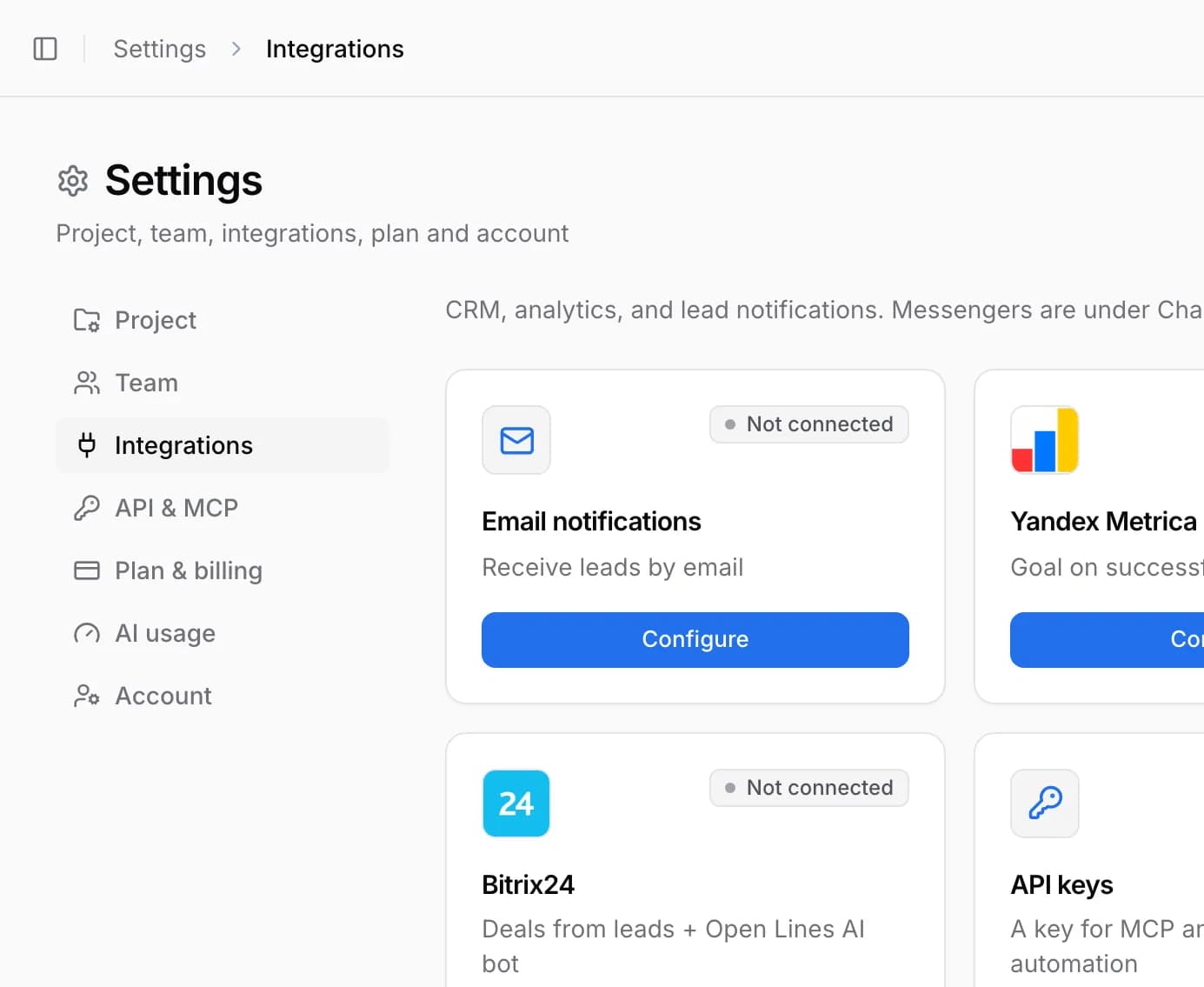
Open Integrations → Kommo and click Connect. Log in to Kommo as an admin and confirm access.
2Choose a pipeline
In Pipeline for new leads choose a pipeline and stage — AirChat will create deals there from the widget and forms. Click Save settings.
3Turn on the bot in deal chats
If you want AI to reply in deal chats, turn on Bot replies in deal chats, select the pipeline stages and set a qualification scenario for them.
Kommo connected
Important. Start the connection from the Integrations page in AirChat, logged in as an admin of the Kommo account you want to connect — otherwise the account list may be empty.
Common issues
Pipelines don’t load
Reconnect Kommo as an admin. If that doesn’t help, contact support and we’ll check the access.
What goes into the deal?
The customer contact, channel, source and UTM tags, plus a short summary of the conversation. The messages are visible in the deal’s chat tab.