 EN
EN Русский
 Türkçe
How to connect Instagram
7 min · Pro plan · Updated October 24, 2026
AirChat replies to Instagram Direct messages and can answer a post comment in Direct. You connect through Facebook login, as Meta requires.
What you need
- A professional Instagram account (business or creator)
- A Facebook Page linked to that account
- The Pro plan or a free trial
1Allow access to messages
In the Instagram app open Settings → Messages and story replies → Message controls and turn on Allow access to messages.
2Log in with Facebook
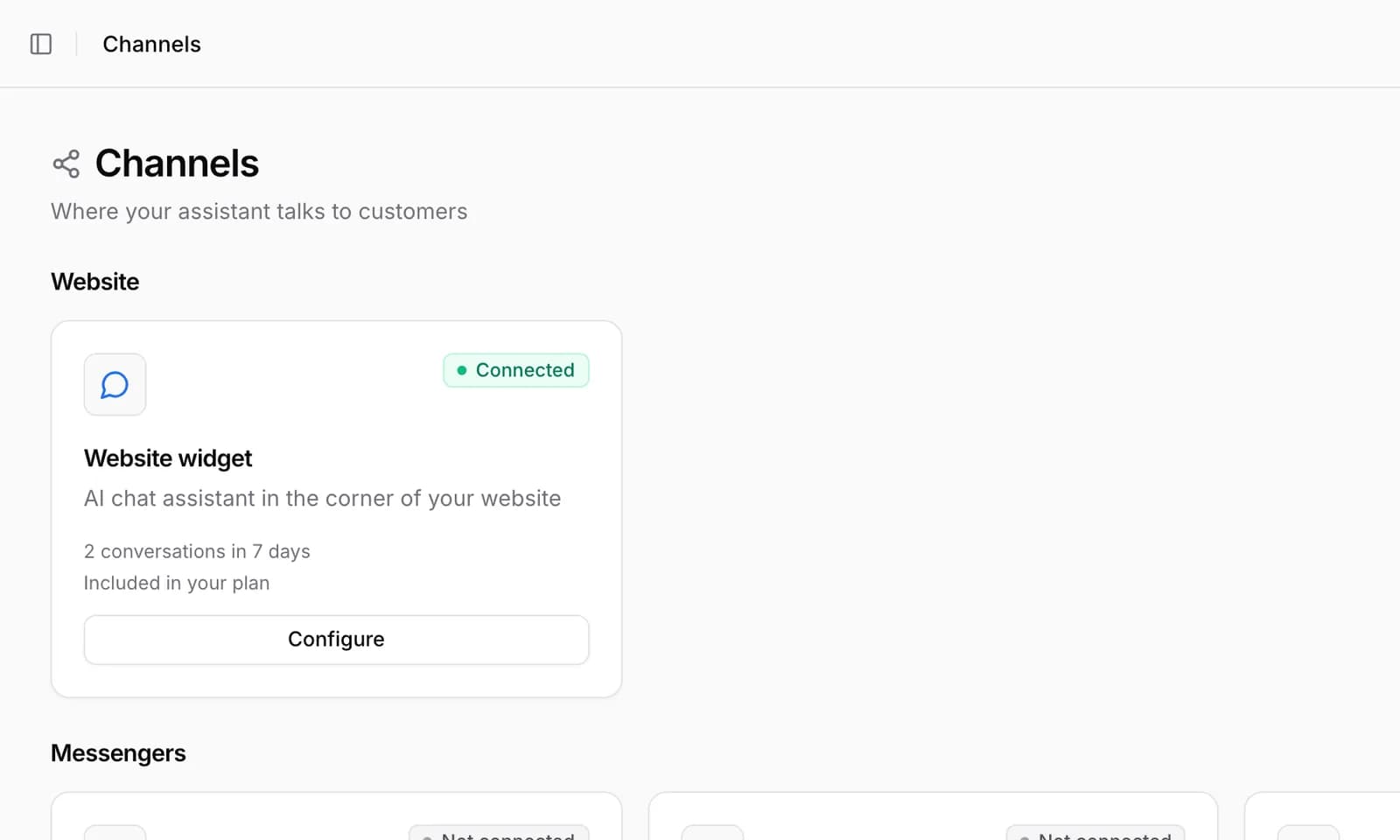
In AirChat open Channels → Instagram and click Connect. Log in to Facebook and choose the Page your Instagram account is linked to.
3Confirm the permissions
Keep access to messages and comments turned on — without them AirChat can’t reply. After you confirm, you’ll return to AirChat.
Connected as @your_brand
Important. A personal Instagram account can’t be connected: Meta only opens messaging to professional accounts. You can switch in Instagram settings in a minute.
Common issues
The list of Pages is empty
The Instagram account isn’t linked to a Facebook Page, or you aren’t a Page admin. Link them in Meta Business Suite and connect again.
How do I reply to comments in Direct?
In Automations turn on the “Instagram comment → Direct” template: AirChat replies in private messages and continues the conversation.