 EN
EN Русский
 Türkçe
How to set up lead magnets
5 min · Start plan · Updated October 24, 2026
A lead magnet is a useful resource (a PDF or a link) the assistant offers in exchange for contact details. This way you get leads from people who aren’t ready to buy yet.
What you need
- A resource: a PDF up to 20 MB or a link
- A contact form turned on in Contacts
1Add a resource
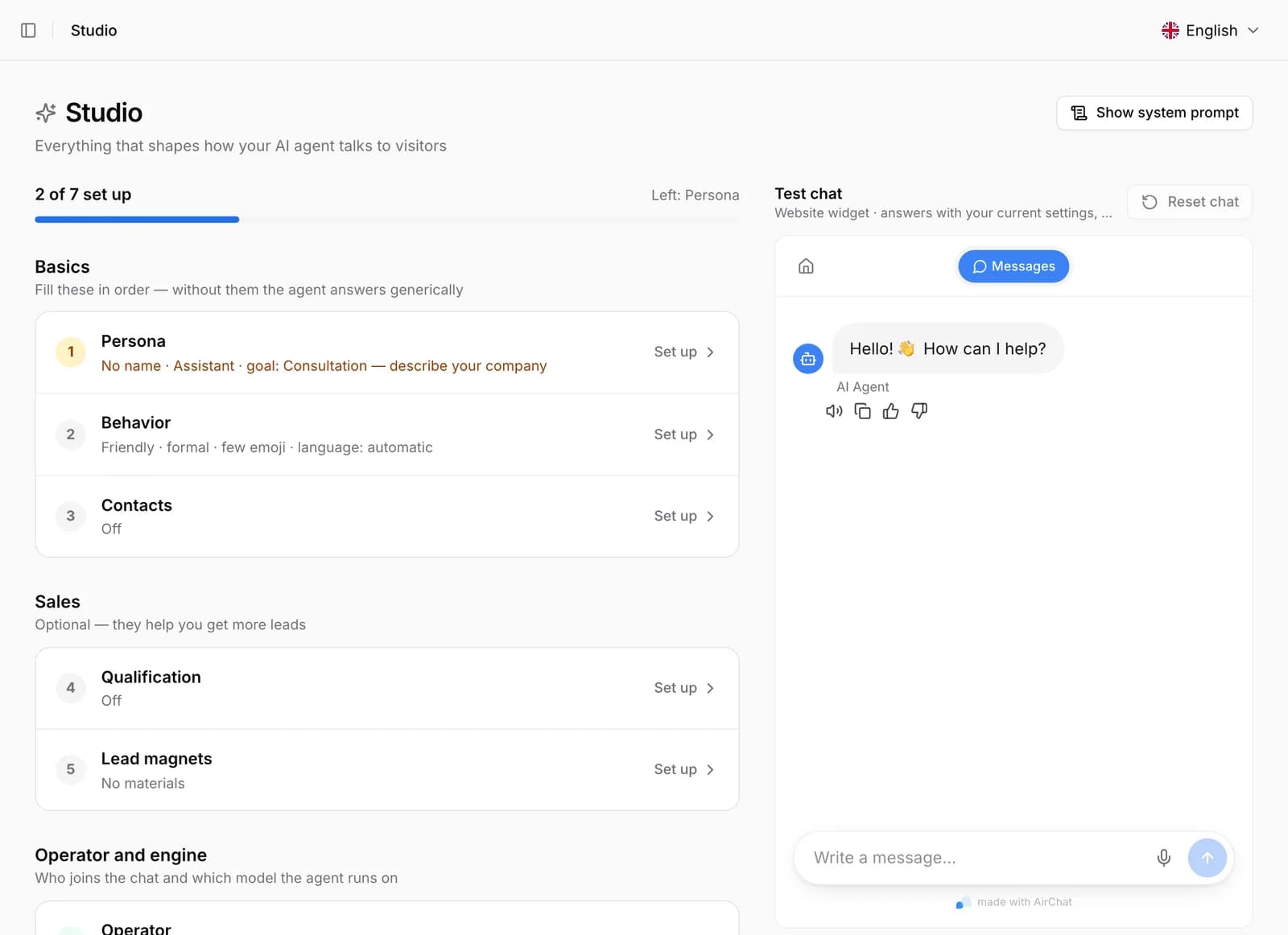
Open AI agent → Lead magnets → Add. Enter a title, briefly describe the value and upload a file or paste a link.
2Choose when to offer it
By default the assistant offers the gift to people who hesitate or are about to leave without a request. You can add conversation topics (keywords) or website pages, for example “/china”.
3Choose the contact you need
Phone, email or either. The resource isn’t sent without a contact. The lead goes to your CRM and webhooks tagged “Lead magnet: title”.
Offered: 48 · Sent: 31
Important. Contacts are collected by the form in Contacts. Check that the field you need — phone or email — is turned on there, otherwise the assistant can’t send the resource.
Common issues
The assistant doesn’t offer the gift
Check that the resource is turned on and that the topics and pages match real conversations. Without topics and pages only hesitant visitors get the gift.
Where can I see the results?
The lead magnet list shows how many times each resource was offered and sent. Leads are in Contacts and in your CRM.