 EN
EN Русский
 Türkçe
How to connect a Telegram bot
5 min · Business plan · Updated October 24, 2026
Customers write to your Telegram bot, and the AI assistant and your team reply from AirChat. All you need is a bot token from BotFather.
What you need
- A Telegram account
- Access to the AirChat project
- The Business plan or higher
1Create a bot
Open @BotFather in Telegram, send /newbot and choose a name and username for the bot.
2Copy the token
BotFather will send you a token like the one below. Keep it private: anyone with the token can control the bot.
123456789:AAH-xxxxxxxxxxxxxxxxxxxxxxxxxxxxxx3Paste the token into AirChat
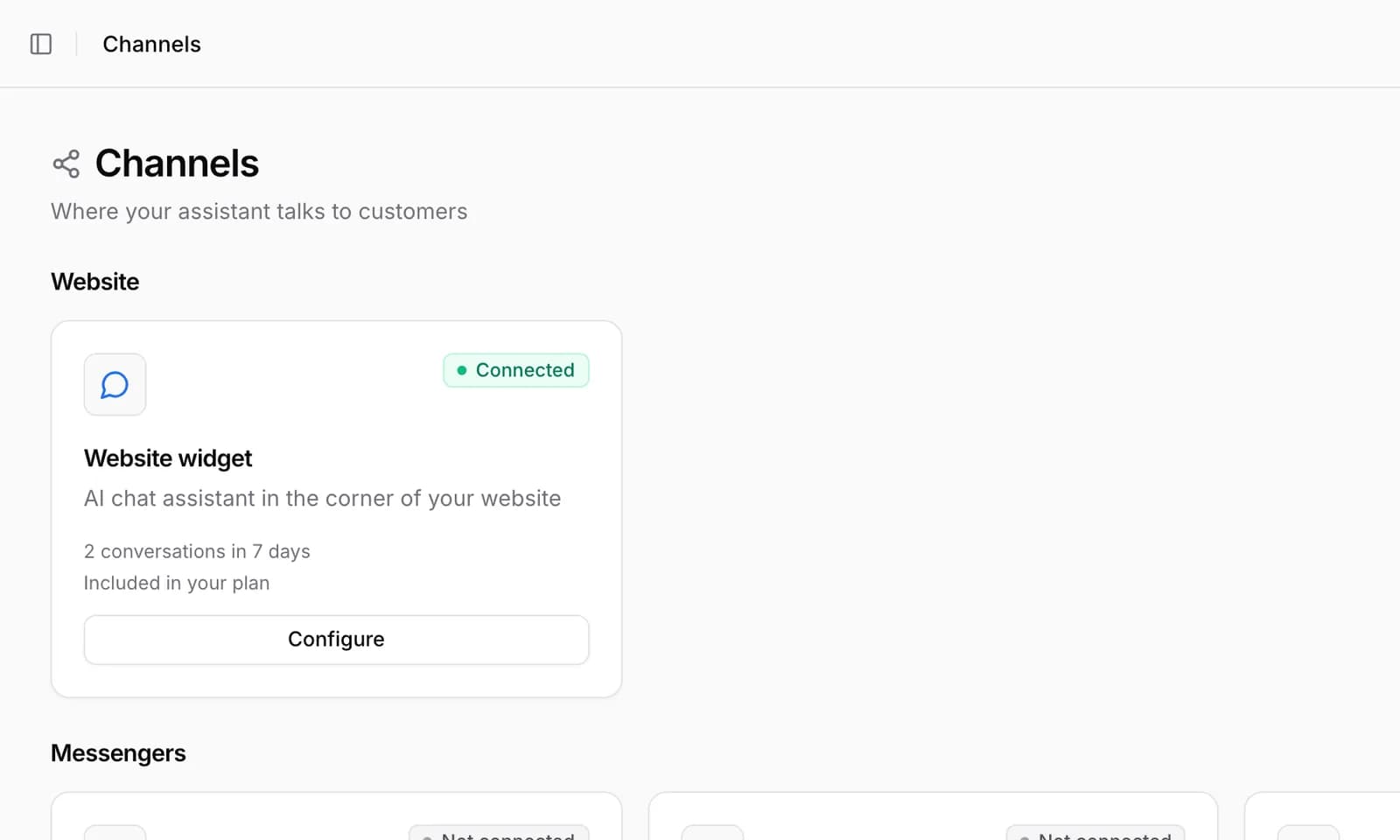
In Channels → Telegram bot paste the token into Bot token and click Connect bot.
Bot connected
Important. A bot can be connected to only one project. If the bot already worked with another service, disconnect it there — otherwise messages will go to that service.
Common issues
AirChat says the token is invalid
Copy the whole token without spaces. If you regenerated it in BotFather, the old one no longer works.
Can I reply from a personal account instead of a bot?
Yes, Channels has Telegram Personal: a personal account connects with a QR code, and incoming private messages appear in Conversations.